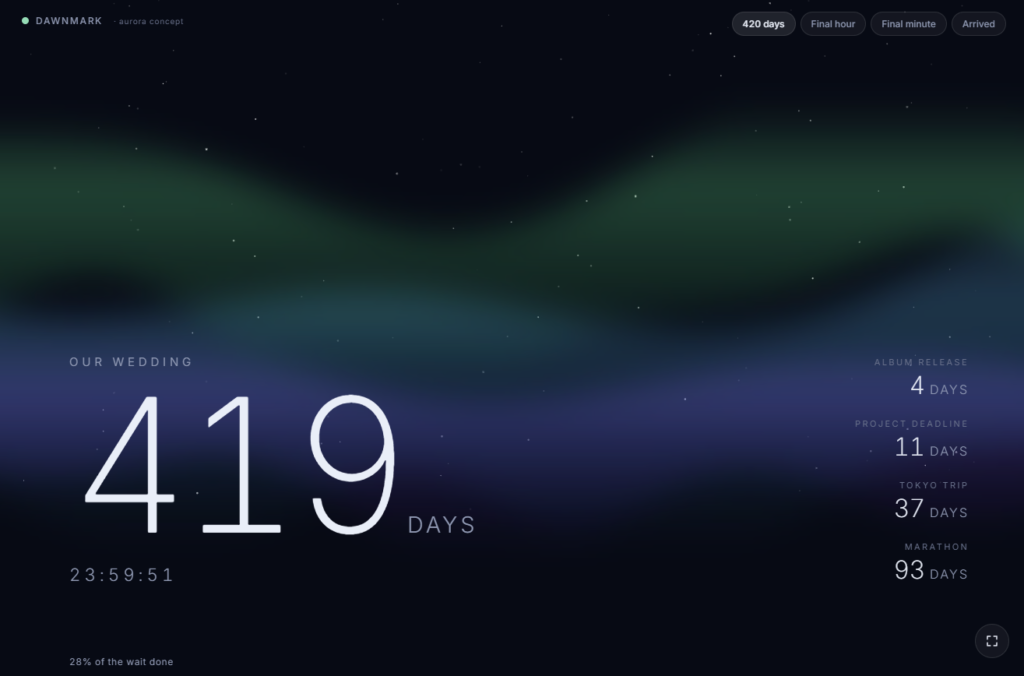
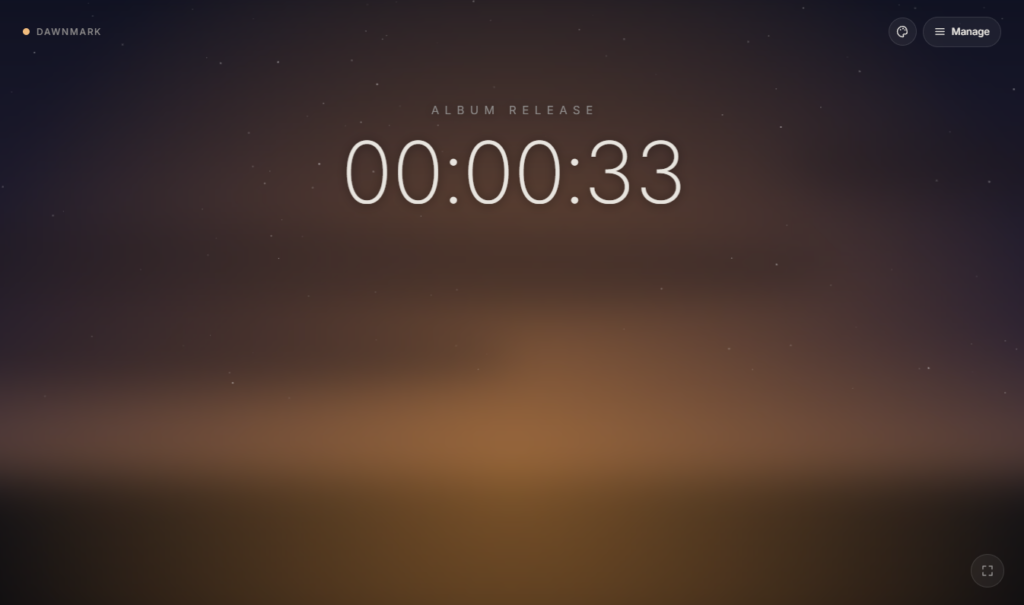
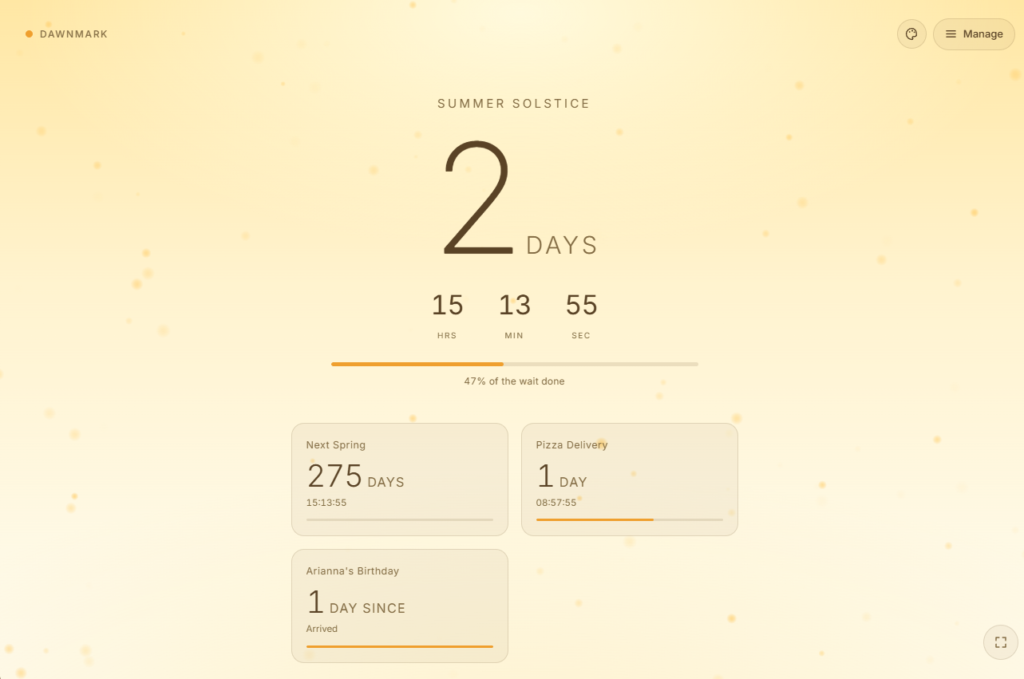
Dawnmark – Beautiful Countdown Timer
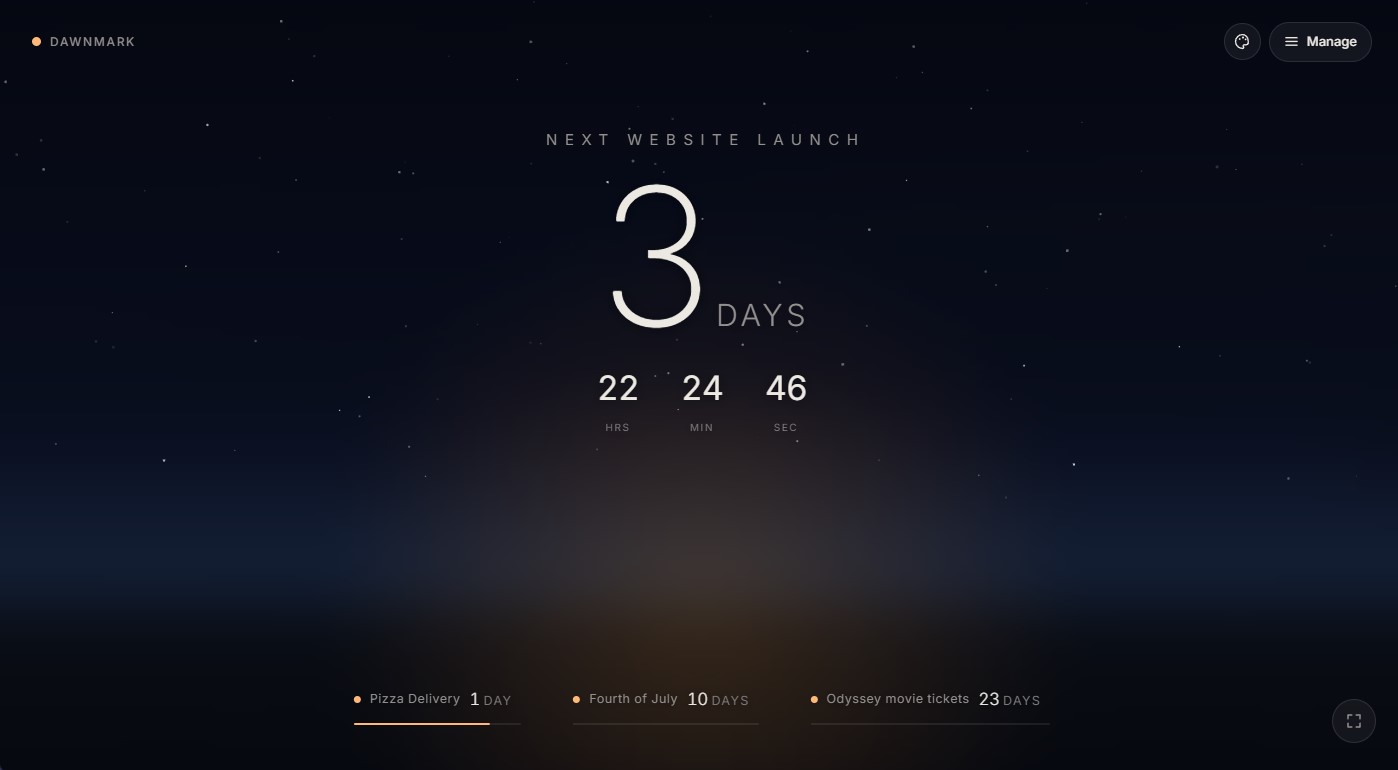
I started Dawnmark as a simple exercise of creating multiple countdown timers to keep track of multiple events. The scenario was with the FIFA World cup going on, there are multiple games to keep track of, how can we do this in a way that is compelling, but also ambient, just something you can have in the background. Most of the tools we use to track time are really just scheduling tools. A calendar event marks a date; a notification fires when you need to leave. Even a countdown timer — which sounds more immediate — usually lives inside an app you have to remember to open, and closes the moment you navigate away. The information is there when you ask for it and gone when you don’t.
I came to the realization that the problem is actually two things: existing tools carry no emotional weight, and they aren’t designed to stay in view. Anticipation is a design problem, and most of our countdown timers weren’t built to solve it.
What calendars already do well
A calendar event handles the logistics cleanly. You set a date, add it to your phone, and trust that you’ll be reminded when it matters. For most purposes, that’s enough — meetings, appointments, deadlines that need an action. The clock app on your phone has multiple timers; there are countdown apps for almost any platform. The functional answer is already everywhere. But there is a difference between knowing a date and feeling the time between now and then. A scheduled notification solves the former; it doesn’t do much for the latter, and it’s worth asking whether that gap matters.
Building anticipation
For the events that carry real meaning, a wedding date, a product launch, the last day of a degree, these aren’t just everyday events to keep track of. The time before them is part of the experience, and there’s a particular feeling that comes from watching that time move. A countdown makes the distance visible; it turns a target date into something concrete. The calendar tells you when. The countdown tells you how long — and that framing changes how you relate to the time remaining.
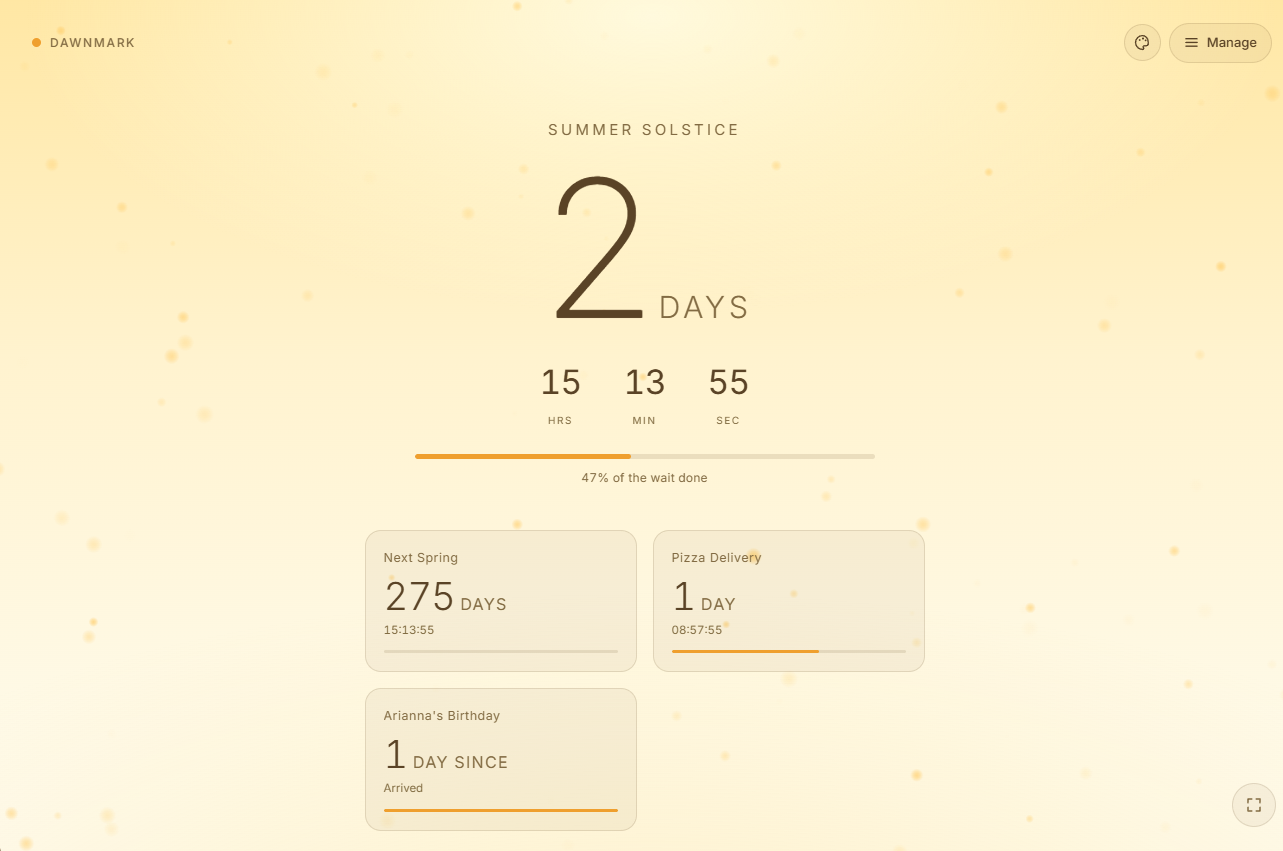
The same is true when you’re tracking several events at once: a run of exams, a slate of deadlines, a stretch of back-to-back occasions. A calendar renders them as points on a grid; a collection of countdowns renders them as distances, each one drawing closer at its own pace.
Visibility
Most countdown tools share the same limitation, they live inside an app your a web page. You have to open it, check the time remaining, then close it, and the awareness disappears with it. I wanted to see the numbers ticking down, something that could be displayed, you could leave it open on a screen, like a clock on a wall.
This idea of ambience, a persistent view that lives alongside whatever you are doing.
The moment it worked
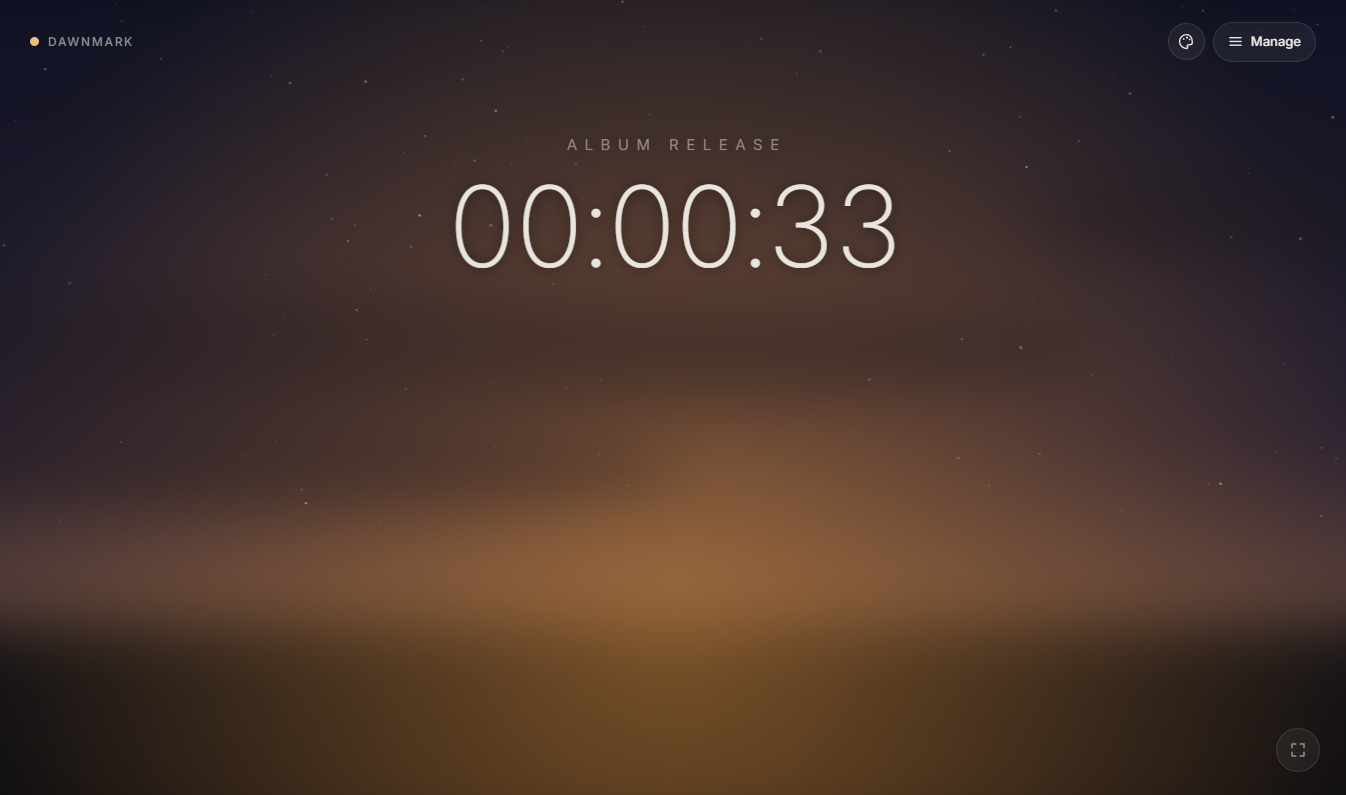
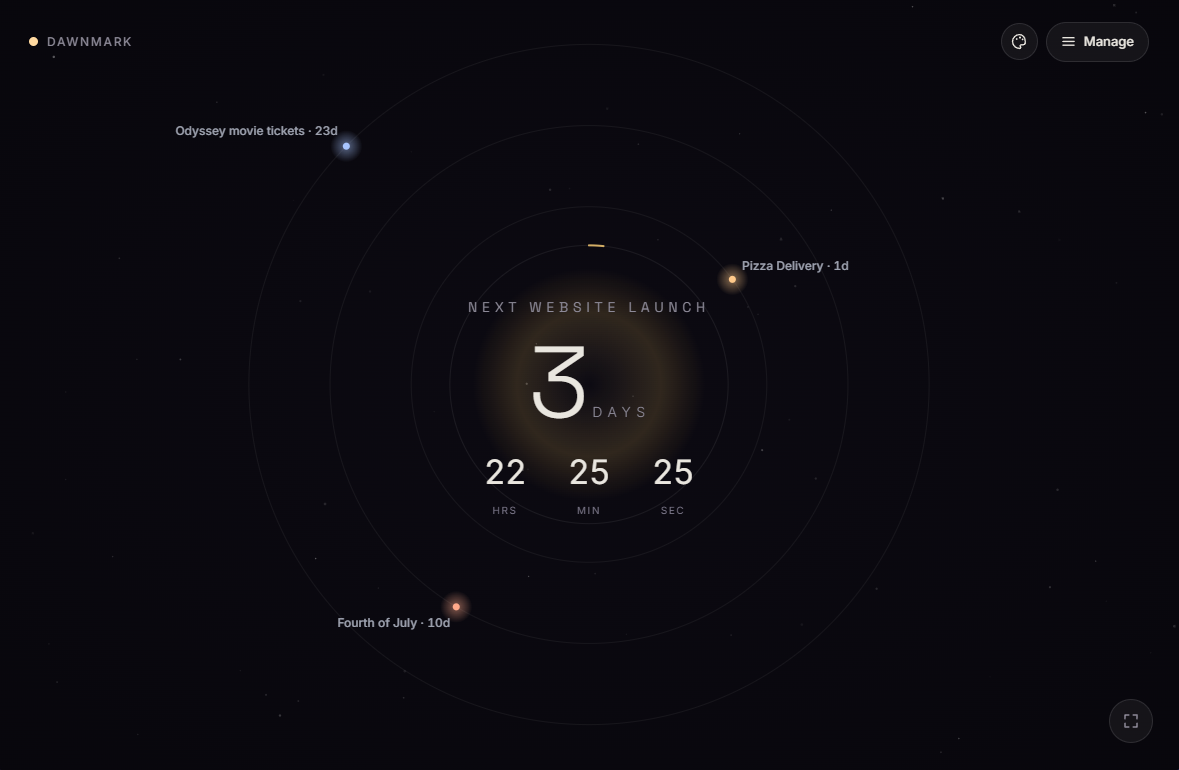
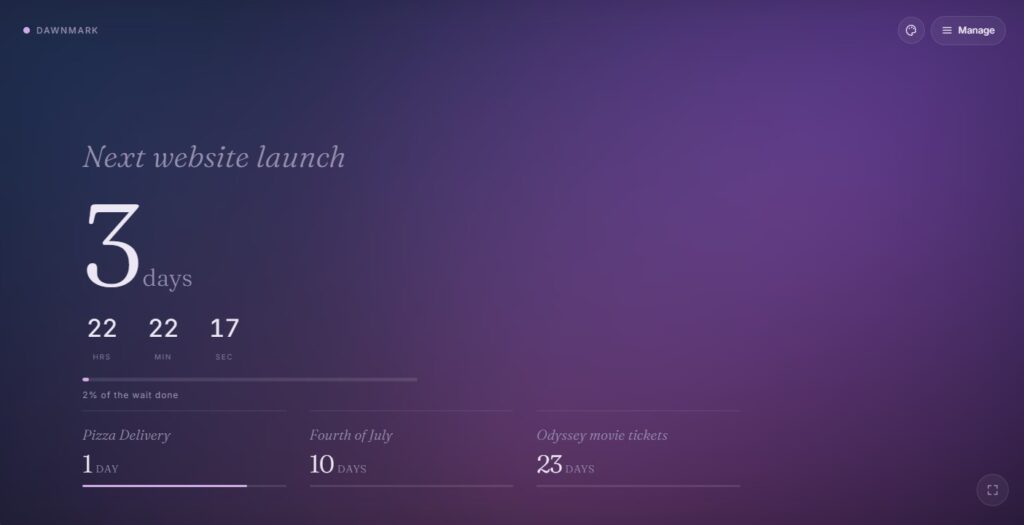
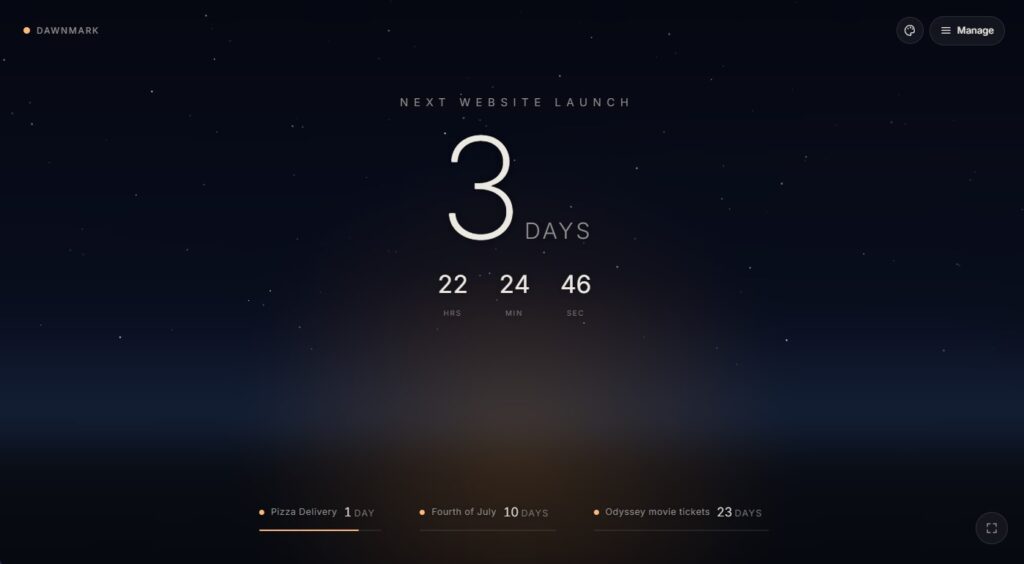
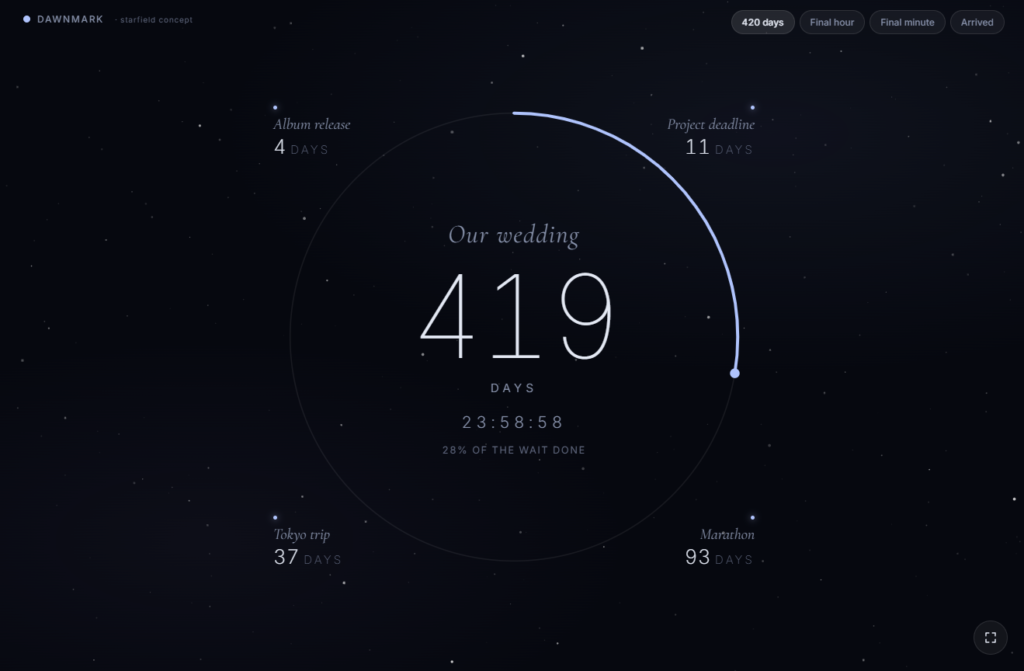
I built a version with just gradient background and some tiles with a glass effect. This looked good, but it didn’t draw my eye, and the old idea of static images burning their image into my screen didn’t comfort me. It needed motion, a full-screen animated scene – not only would it look beautiful, but it would be something you would want to look at, yet works nicely as background ambient show piece.
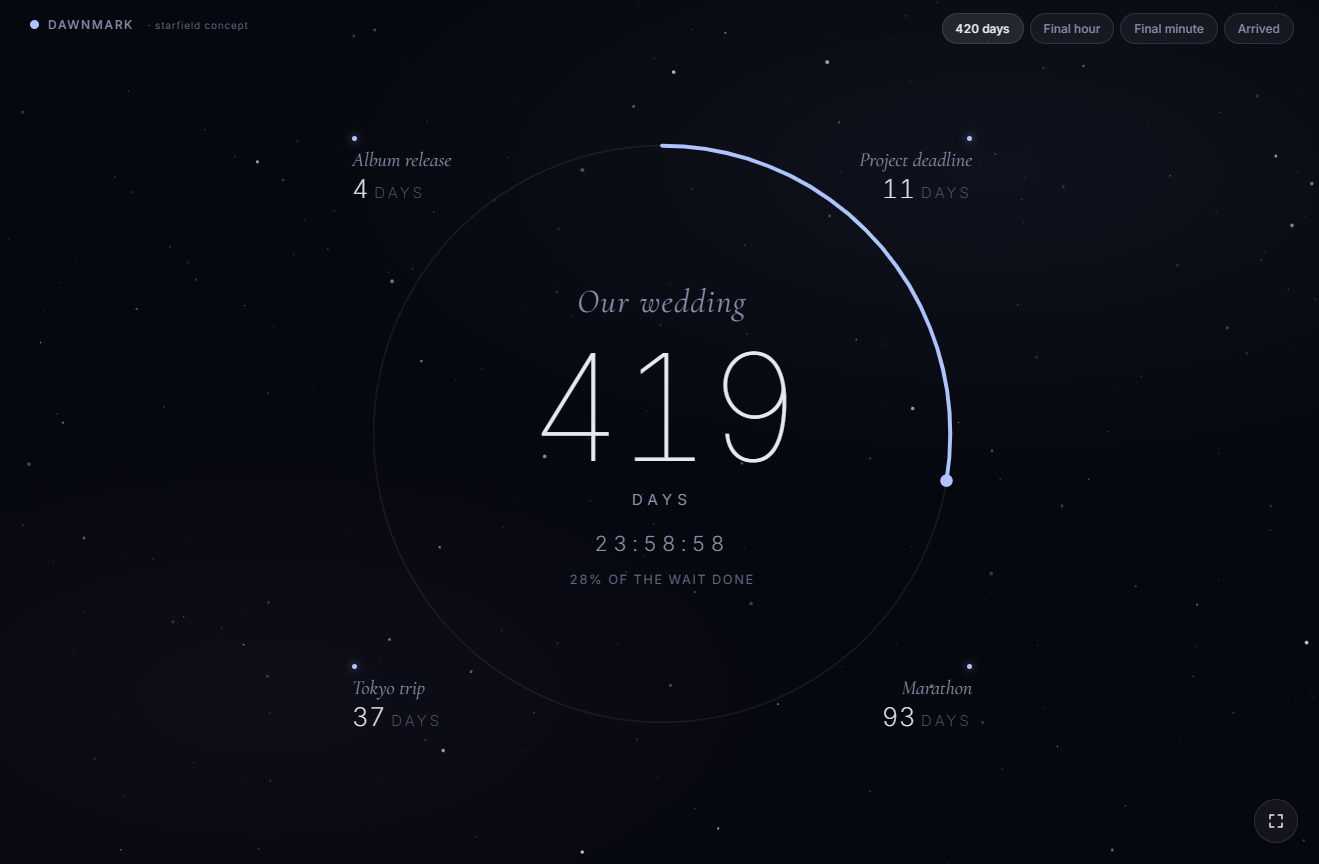
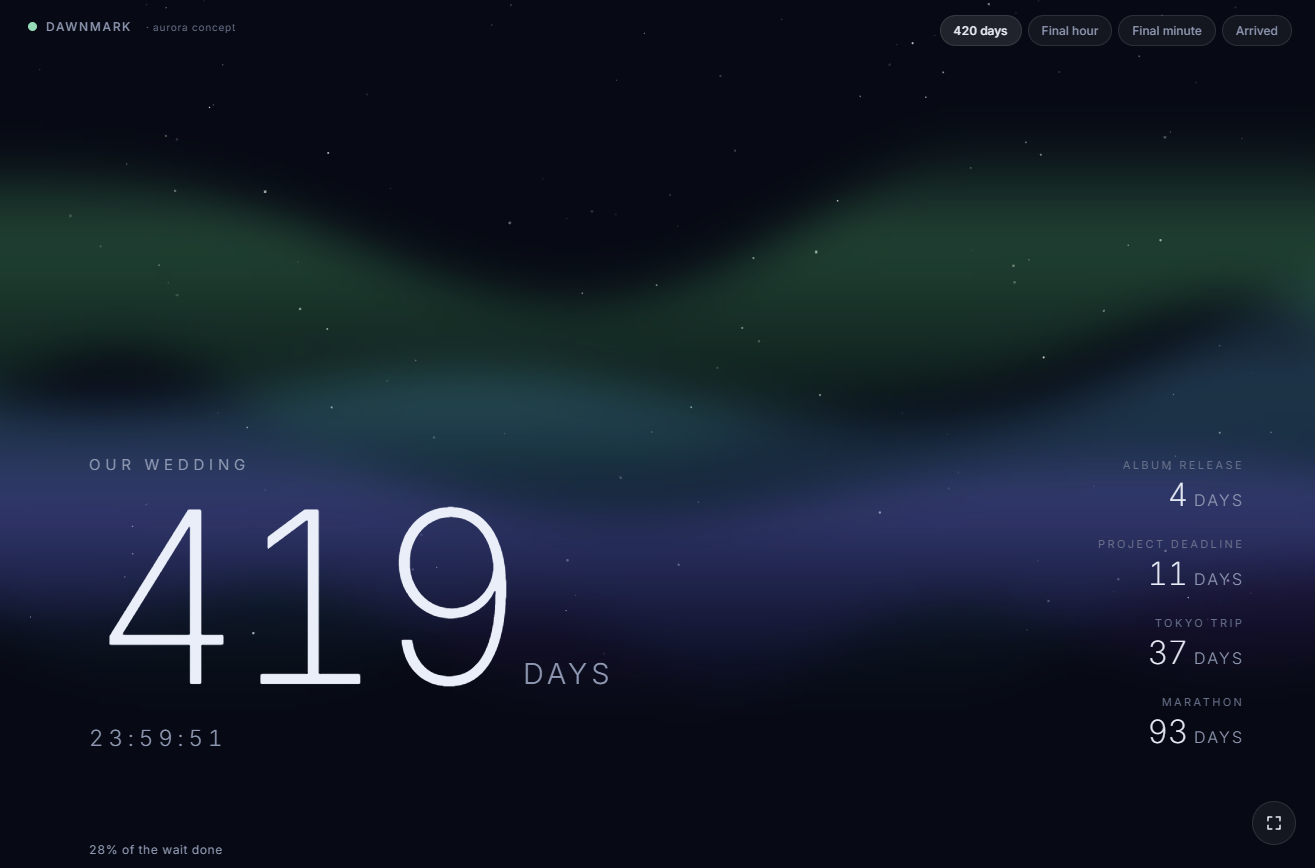
The animation drew my eye in a way a plain timer never had; it was genuinely pleasing to look at. In one glance, I had everything I needed — which events were closest, how much time remained on each — without navigating anywhere or reading carefully. It rewarded a glance rather than required one. That’s the thing ambient design is supposed to do, and it was the first time I felt the concept actually working rather than just describing it.
What Dawnmark is
A full-screen countdown display built to be left open — one event or several, with a background that moves and a layout that makes the information immediately readable. It’s built for anything with a date worth watching: a product you’re waiting to ship, a trip you’re counting down to, a run of events you want to keep in sight. You can find it at dawnmark.day.
Use Cases
Where I have visualized use cases of where Dawnday could be used:
- A TV in an office – counting down to a launch, end of a sprint, Friday?
- Ambient screens like a Nest Hub or Echo Show somewhere around the house
- Small screen on your desk